웹사이트에 "지금 듣는 음악" 섹션을 만든 방법
Feb 9, 2025
·
AI 번역
이 글은 AI의 도움을 받아 번역되었습니다. 일부 내용에 오류가 있을 수 있습니다.
아이디어
cho.sh—조성현의 개인 사이트—를 보다가 현재 재생 중인 음악을 실시간으로 표시하는 섹션을 발견했다. 나도 만들어보고 싶었다.
문제: Apple Music API
Apple Music을 오래 써왔기 때문에 자연스럽게 Apple Music API를 먼저 찾아봤다. 그런데 Apple Developer 계정이 필요했다.
연간 $99는 그렇다 치더라도, 만 18세 이상이어야 가입할 수 있다는 조건이 문제였다. 고등학생인 나는 해당되지 않는다.
방법 1: Spotify로 갈아타기?
Spotify API는 무료고 나이 제한도 없다. 이론상 갈아타면 그만이다.
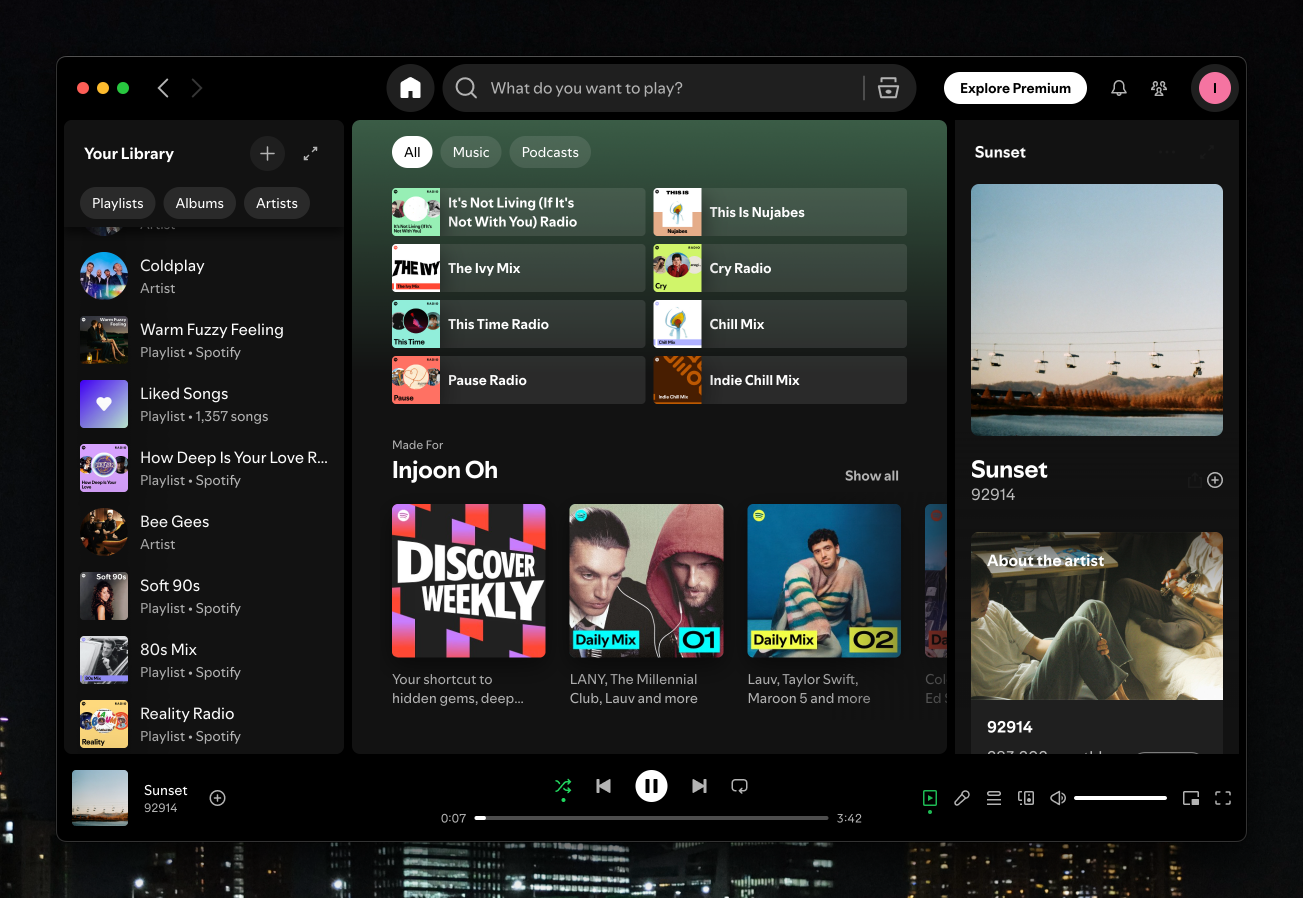
아니다.
방법 2: Last.fm
Last.fm은 2002년부터 운영된 음악 트래킹 서비스다. 음악 플레이어와 연동해 재생하는 모든 트랙을 스크로블(기록)하며, 나이 제한 없는 무료 API를 제공한다.
핵심은 Apple Music을 Last.fm에 연동할 수 있다는 점이다. Apple Music에서 재생하는 곡이 자동으로 Last.fm에 기록된다. 데이터 소스 문제는 해결됐다.
Sleeve
macOS에서 Apple Music → Last.fm 연동을 활성화하기 위해 Sleeve를 사용했다.
Sleeve는 데스크탑에 현재 재생 중인 트랙의 앨범 아트를 표시해주는 작은 macOS 앱이다.
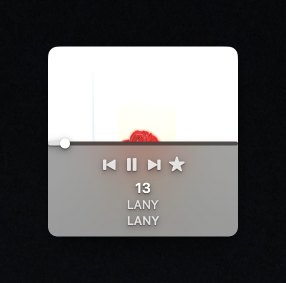
Last.fm 스크로블링 토글이 내장되어 있어서, 계정을 연결하면 Apple Music 재생 이력이 자동으로 동기화된다.
Python 스크립트
Last.fm에 청취 이력이 쌓이면, 이를 가져와서 웹사이트가 읽을 수 있는 형태로 저장해야 한다.
Last.fm의 user.getrecenttracks 엔드포인트는 최근 재생한 트랙을 반환하며, 현재 재생 중인 트랙에는 @attr: { nowplaying: "true" } 플래그가 붙는다.
이 엔드포인트를 호출해 결과를 JSON 파일로 저장하는 스크립트를 작성했다:
import os
import json
import requests
from dotenv import load_dotenv

load_dotenv()

url = f'http://ws.audioscrobbler.com/2.0/?method=user.getrecenttracks&user=injoon5&api_key={os.environ["LAST_FM_PUBLIC_API_KEY"]}&format=json'

headers = {
    'Accept': 'application/json',
    'Content-Type': 'application/json',
}

def get_now_playing():
    result = requests.get(url, headers=headers)
    return result

if __name__ == '__main__':
    response = get_now_playing().json()
    response['recenttracks']['track'] = response['recenttracks']['track'][:4]

    with open('now-playing.json', 'w') as f:
        json.dump(response, f, indent=2)
전체 스크립트와 GitHub Actions 워크플로는 github.com/injoon5/data에 있다.
GitHub Actions
스크립트는 GitHub Actions 워크플로를 통해 5분마다 실행된다. Last.fm에서 최신 데이터를 가져와 now-playing.json을 갱신하고 저장소에 커밋한다.
now-playing.json은 항상 최대 5분 이내의 최신 상태를 유지한다.
CORS
GitHub raw 파일(raw.githubusercontent.com)에는 CORS 제한이 없다. 덕분에 별도의 백엔드나 서버리스 함수 없이 웹사이트에서 now-playing.json을 직접 가져올 수 있다.
전체 흐름을 정리하면:
- Apple Music에서 음악을 듣는다
- Sleeve가 Last.fm에 스크로블한다
- GitHub Actions가 5분마다 데이터를 가져와 JSON 파일로 저장한다
- 웹사이트가 GitHub에서 직접 그 JSON 파일을 가져온다
- “지금 듣는 음악” 위젯이 갱신된다
서버도, 비용도, Apple Developer 계정도 필요 없다.